




RBSS-MC1 Wireless Door & Window Sensor
Monitor the opening and closing of indoor doors and windows with RBSS-MC1. Connect it to a compatible Roombanker Hub for your alarm system.
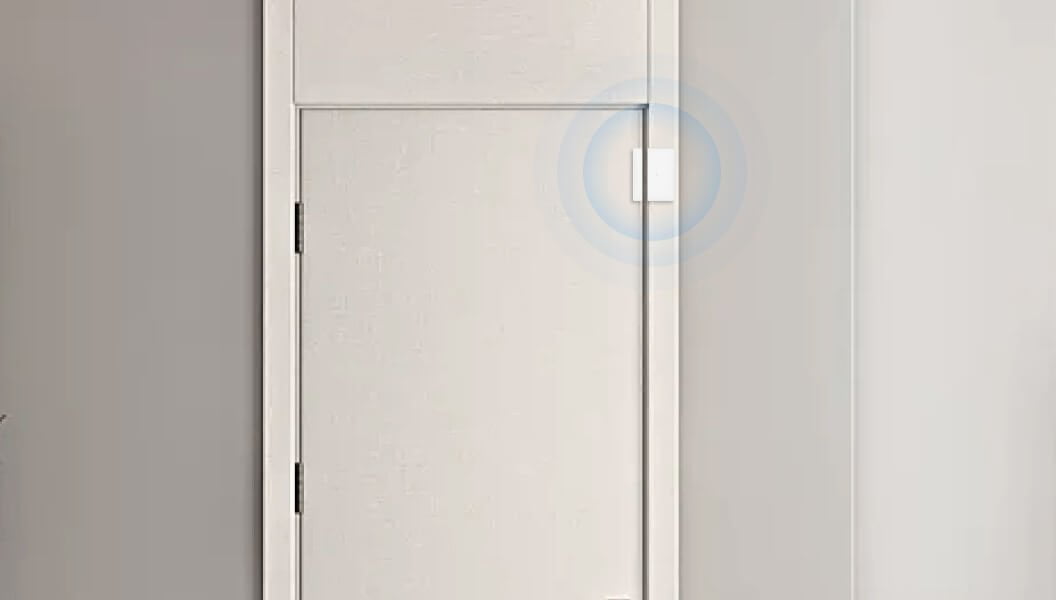
The sensor and magnet detect whether a door or window is open or closed. RBSS-MC1 reports changes to its paired Hub, which handles the response according to your intrusion alarm system settings.
RBF
wireless technology
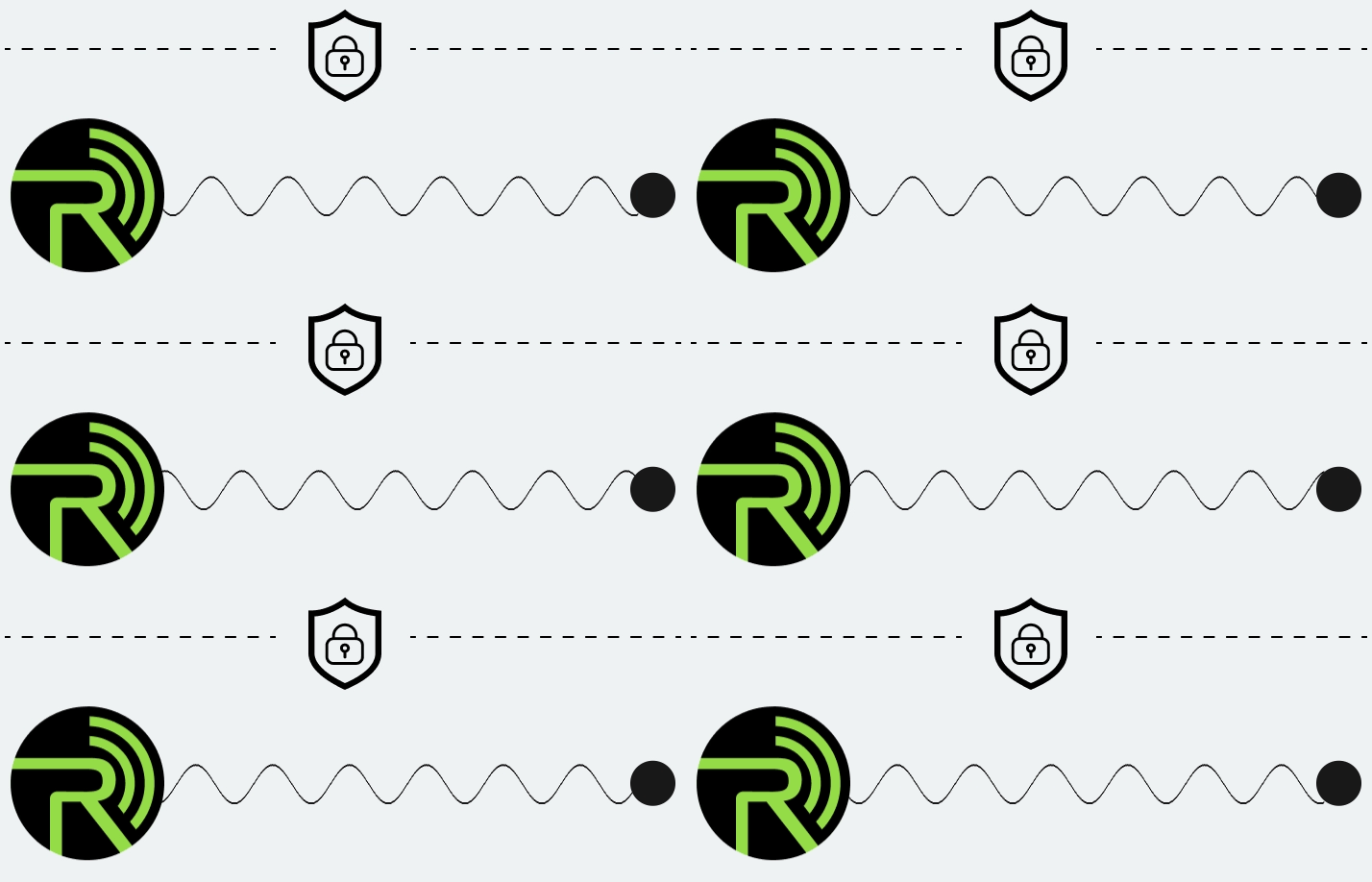
Wireless connection to your Hub
Test the Signal Before Mounting
Replaceable AA Battery
Low-battery notification
Door and Window Opening Detection
Set Up with RB Link
Add the sensor to your Hub in the app
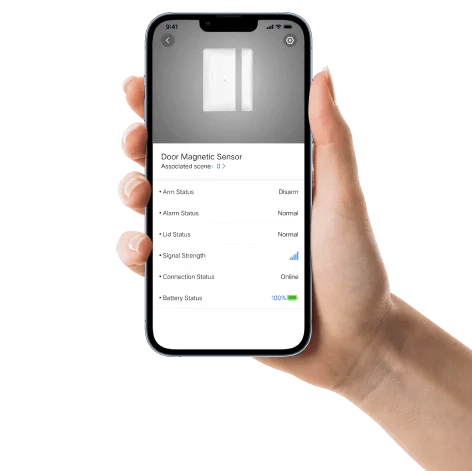
Set Up Your Door Sensor with RB Link
Add RBSS-MC1 to your Hub in RB Link. Follow the RBSS-MC1 setup guide for pairing, then check the sensor at its final mounting position.
1
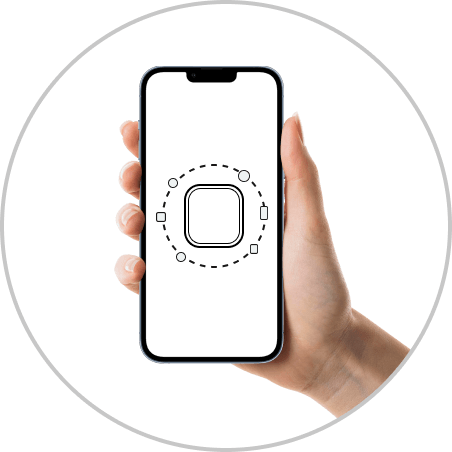
Open RB Link and add a device.
2
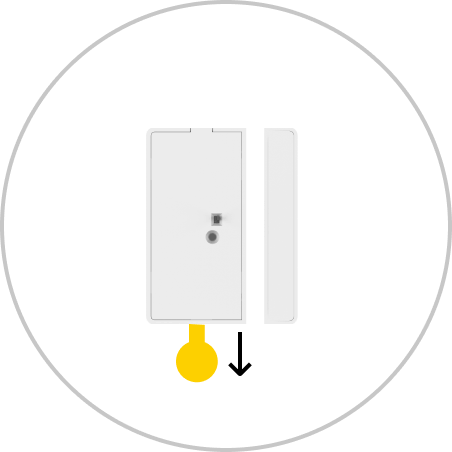
Power on the sensor as shown in the setup guide.
3

Complete pairing and check the device in RB Link.
Mount on the Frame. Place the Magnet on the Door.
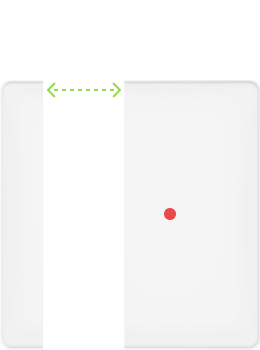
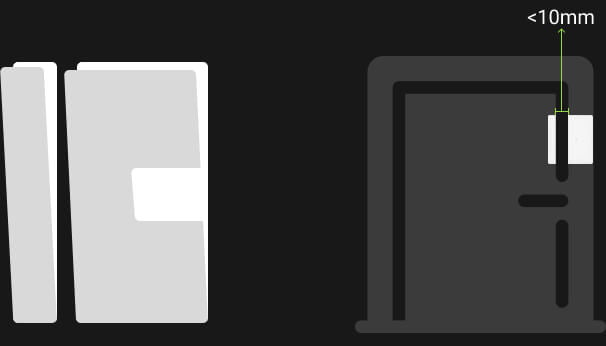
Mount the larger sensor body on the fixed door or window frame and the smaller magnet on the moving door or window, near the opening side. Use the approved adhesive mounting method and keep both parts aligned.
Before completing installation, open and close the door or window and test the signal at the final position. For different frame materials and layouts, see the door sensor selection and installation guide.
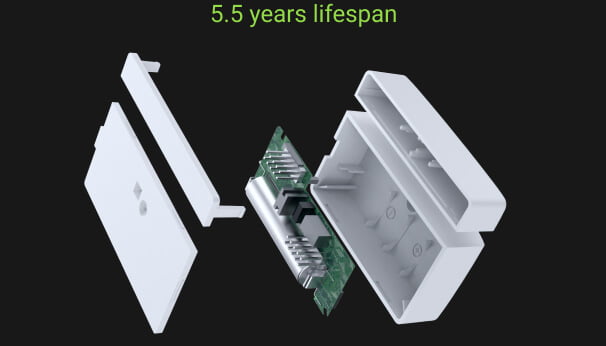
AA Battery Power. Low-Battery Notification.
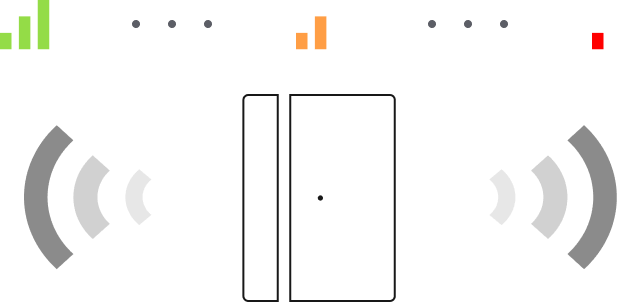
RBSS-MC1 uses one replaceable AA 2300 mAh battery and provides a low-battery notification to help you plan maintenance.
Estimated battery life is approximately five years under the modeled conditions: 26–28°C, 1.5 V, and 20 openings plus 20 closings per day, with average consumption of approximately 1 mAh per day. Actual battery life varies with activity, communication, temperature and battery condition.
RBF Wireless Connection to the Hub
RBSS-MC1 communicates with its paired Roombanker Hub through RBF. Check the installed wireless link with the door or window in its normal positions, especially where metal frames or walls may affect the signal.
Use the wireless site survey guide to plan the check.
Connect Opening Detection with Your Alarm System
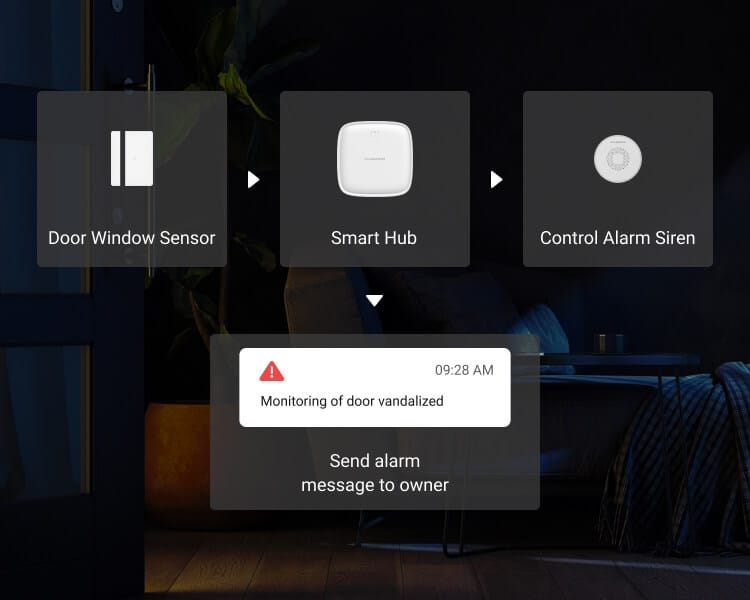
Connect RBSS-MC1 to a Roombanker Hub to use door and window events in your wireless alarm system. Configure the response for the installed devices, including a compatible alarm siren where local sound and light warning is required.
Check the configured local warning and App notification separately during installation.
Alarm responses depend on the devices and settings in your system.
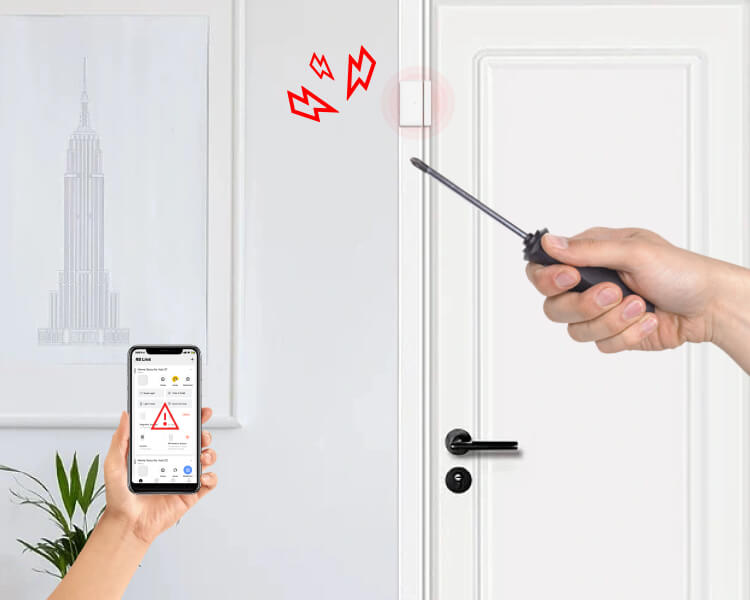
Rear Tamper Detection
RBSS-MC1 includes rear tamper detection. Check the tamper event and the configured system response during installation.
RBSS-MC1 Documents and Setup
Specifications and Installation
Marketing Resource
RBSS-MC1 Door Sensor FAQs
What is a magnetic door alarm sensor?
A magnetic door alarm sensor detects whether a door or window is open or closed. RBSS-MC1 uses a sensor body and a separate magnet, and reports changes to its paired Hub. It uses one AA battery and includes low-battery notification.
Place the body on the fixed frame and the magnet on the moving part. Follow the RBSS-MC1 setup guide for alignment and spacing, then test opening, closing and signal strength at the final position. For broader selection advice, see our door sensor guide. Explore the Roombanker alarm system.
Where can I use the RBSS-MC1 door and window sensor?
Use RBSS-MC1 on indoor doors and windows where its body and magnet can be mounted and tested correctly. Typical examples include homes and apartments and indoor staff or stockroom doors in retail shops.
Sliding windows, cabinets and metal frames need a suitable mounting position and a final-position signal check. Use the selection and installation guide to assess the opening before choosing the mounting method.
How many magnetic door contact sensors are needed for a house?
Plan sensors around the openings included in your intrusion alarm system. Start with entrance doors, accessible windows and other openings that need their own status indication. The number depends on the layout and protection plan, rather than a fixed number per home.
The door sensor selection guide explains how to assess different openings.
How does a magnetic door alarm sensor work with the Hub?
The sensor detects opening and closing and reports the event to its paired Roombanker Hub. The Hub handles the response according to the system settings and installed devices. For local sound and light warning, use a compatible alarm siren. Configure and check App notifications separately.
Are door alarms effective?
Door sensors provide opening detection as part of an alarm system. Correct placement, battery condition, wireless connection and configured responses all matter. During installation, open and close the door, check the reported state and signal, and verify the intended response. Follow the RBSS-MC1 installation instructions.
What do the door sensor indicator lights mean?
After the door window sensor is turned on for the first time, the green light will continue to flash, indicating that it has entered pairing mode. Similarly, when the findme and signal test is performed, the green light also flashes. When the back lid sensor or magnetic sensor is triggered, the red light will flash once.
Why does my door sensor trigger without sounding the siren?
First check that the door sensor reports the opening to the correct Hub. Then check the system arming state, the response configured for that sensor, and whether the siren is connected and enabled for the intended event. Test the sensor event and siren separately to locate the issue.
If the sensor is not paired, use the RBSS-MC1 setup guide for adding or re-adding it. If the issue continues, contact Roombanker with the Hub model, sensor name and the behavior shown in the app.
Combine These Items for Complete Protection
You May Also Be Interested In These Solutions

