




Indoor Alarm Siren
Bring sound and flashing-light warning inside your home or business. Add the RBAD-SI1 to your intrusion alarm system through a compatible Roombanker Hub, and choose from three volume settings in RB Link. It has a built-in lithium battery and uses a separate power adapter for power and charging. Compare indoor and outdoor sirens if you are still choosing the warning locations for your project.


The EN 50131 Grade 2 certified indoor siren features built-in LED indicators and a powerful buzzer, designed for easy installation indoors. When a detector reports an intrusion, the Hub activates the siren according to the system settings. Sound and flashing lights provide local warning.
App Volume Control
85 / 95 / 105 dB settings

Signal Strength Test

RBF
Wireless communication
Two-way connection with the Hub
Built-in Battery
Separate power adapter
Up to 2 years in standby
Configurable Warning


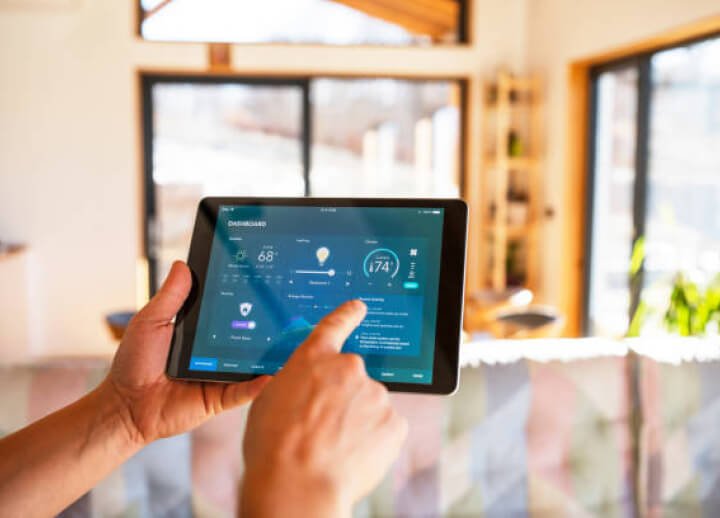
Set Up Your Siren with RB Link
Use RB Link to add or re-add the indoor siren, adjust its volume and run signal and volume tests. The quick start guide shows the setup steps for this model.
1

Open the Hub in RB Link and choose Add peripheral.
2

Connect the power cable and power on the siren as shown in the guide.
3

Assign a room and finish adding the device.
Check the Position Before Mounting
Choose an indoor position with a usable wireless signal, access to power and a suitable fixing surface. Test the signal and volume in RB Link before completing the installation. If the signal is poor, try another position and test again. Use screw or adhesive mounting as appropriate for the installation surface, following the indoor quick start guide.
For the wider project, follow the wireless alarm installation workflow from planning through testing and handover.


RBF Wireless Connection to the Hub
The indoor siren uses RBF for two-way communication with a compatible Roombanker Hub. It supports communication over distances of up to 1,900 m in open space with a Hub. Walls, obstructions and Hub placement affect the actual link, so check the final installation position.

Local Warning When an Alarm Is Triggered
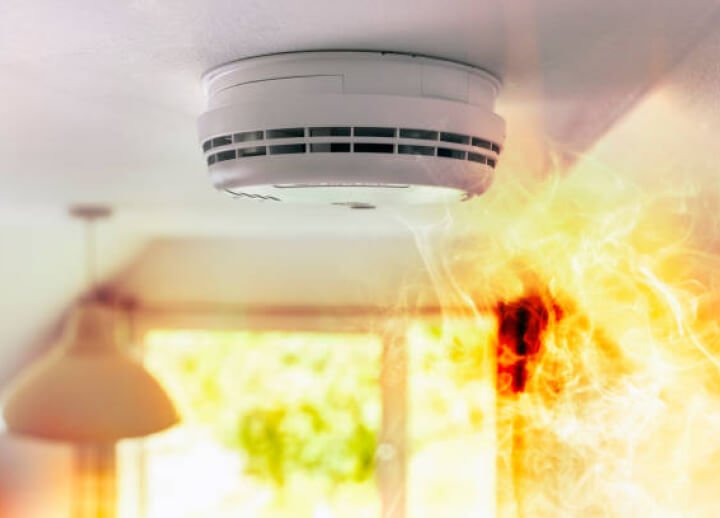
When a detector reports an intrusion, the Roombanker alarm control Hub activates the siren according to the system settings. Sound and flashing lights warn people nearby. The indoor siren also supports arming, disarming, emergency, fire and water-leak events.
Choose the Warning Settings for Your Project
Supported Alarm Events
The indoor siren supports local warning and feedback for intrusion, arming, disarming, emergency, fire and water-leak events. Set the warning options in RB Link to suit how the property is used.

Emergency alarm
Intrusion alarm
Fire alarm
Volume Control and Power
Select 85, 95 or 105 dB in RB Link. The indoor siren also has a volume adjustment button on the device. Run a volume test at the installation location to check the chosen setting.
The indoor siren has a built-in lithium battery. A separate power adapter supplies power and charges the battery. Keep the adapter connected for normal use. The battery provides up to two years of standby operation; alarm frequency and duration affect wireless alarm battery life.

Tamper Warning if the Siren Is Removed
Removing the siren from the wall triggers tamper protection. Tamper alarms can remain active while the system is disarmed, depending on the tamper settings in RB Link. When a tamper alarm is triggered, the siren provides local warning and the system sends a tamper notification to the App.


Indoor Siren Documents
Setup and Specifications
Marketing Resource
Indoor Siren FAQs
What do the indoor siren indicators show?
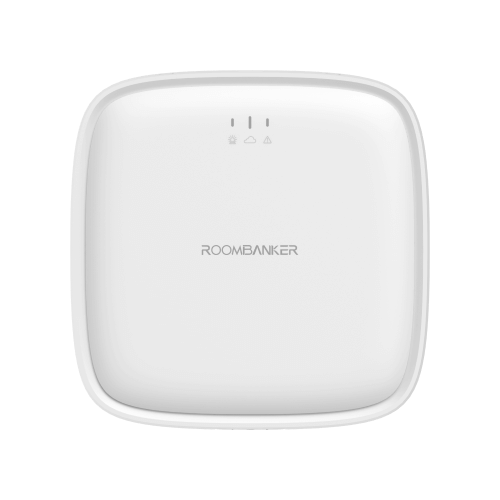
The indicator flashes red for an alarm and green when Find Me is active. During a signal-strength test, green means a strong signal, orange a medium signal, and red a poor signal or no signal. Use RB Link and the model guide to interpret the indicator for the function being tested.
How do I set up or re-add the indoor siren?
Use RB Link to add or re-add the indoor siren to the Hub. Follow the indoor quick start guide for the setup steps, power connection, mounting and tests. Check signal and volume at the intended location before completing installation.
Related Alarm Devices
You May Also Be Interested In These Solutions

