
In today’s rapidly evolving technological landscape, wireless alarm systems have emerged as a game-changer in home security. Gone are the days of outdated, cumbersome systems—modern wireless technology offers a range of advanced features that enhance both safety and convenience.
This article explores 20 key questions about wireless alarm systems, revealing how these cutting-edge solutions provide reliable, state-of-the-art protection for your home. Dive in to discover why investing in a wireless intruder alarm system is not just a smart choice, but a step toward future-proofing your security.
What Can Wireless Alarm System Do?
Modern wireless alarm systems, like Roombanker, go far beyond just detecting intruders. Thanks to the easy scalability of wireless IoT, these systems now offer a complete range of features, including environmental safety monitoring for hazards like fires and water leaks, as well as home automation and energy usage tracking—all of which can be managed remotely. Users have the flexibility to purchase a complete security system kit or add smart home devices individually, allowing for unified control of all these features through a single mobile app.
Installers and distributors who want to see that complete-system structure in one place can use the wireless security alarm system solution page as the next reference after this overview.
Also read:
Complete guide on professional intrusion alarm systems
What is a professional security system?
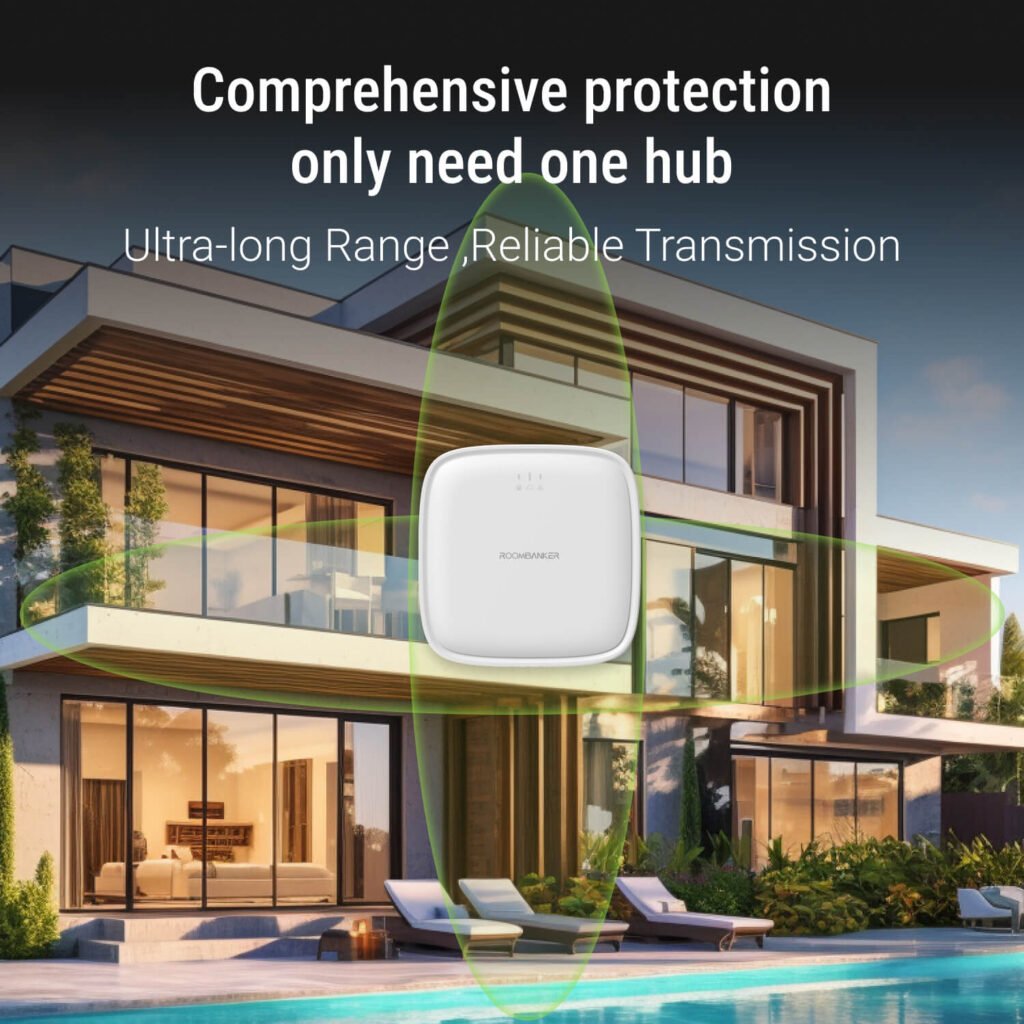
Can the Peripherals of a Wireless Alarm System Really Work 3500m Far From the Home Security Hub?
Yes, they can! The Roombanker home security hub can maintain a stable connection with detectors up to 3,500 meters away in open, interference-free environments. However, in real-world situations, factors like walls, ceilings, and other obstacles may reduce this range, so your experience might differ. That said, one Roombanker hub is typically capable of covering a five-story house with each floor spanning 300 square meters. Plus, the Roombanker RB-Link app includes a wireless signal strength indicator, making it easy for users to find the optimal installation spot for the best signal quality.
How Does the Wireless Alarm System Send Alerts So Quickly?
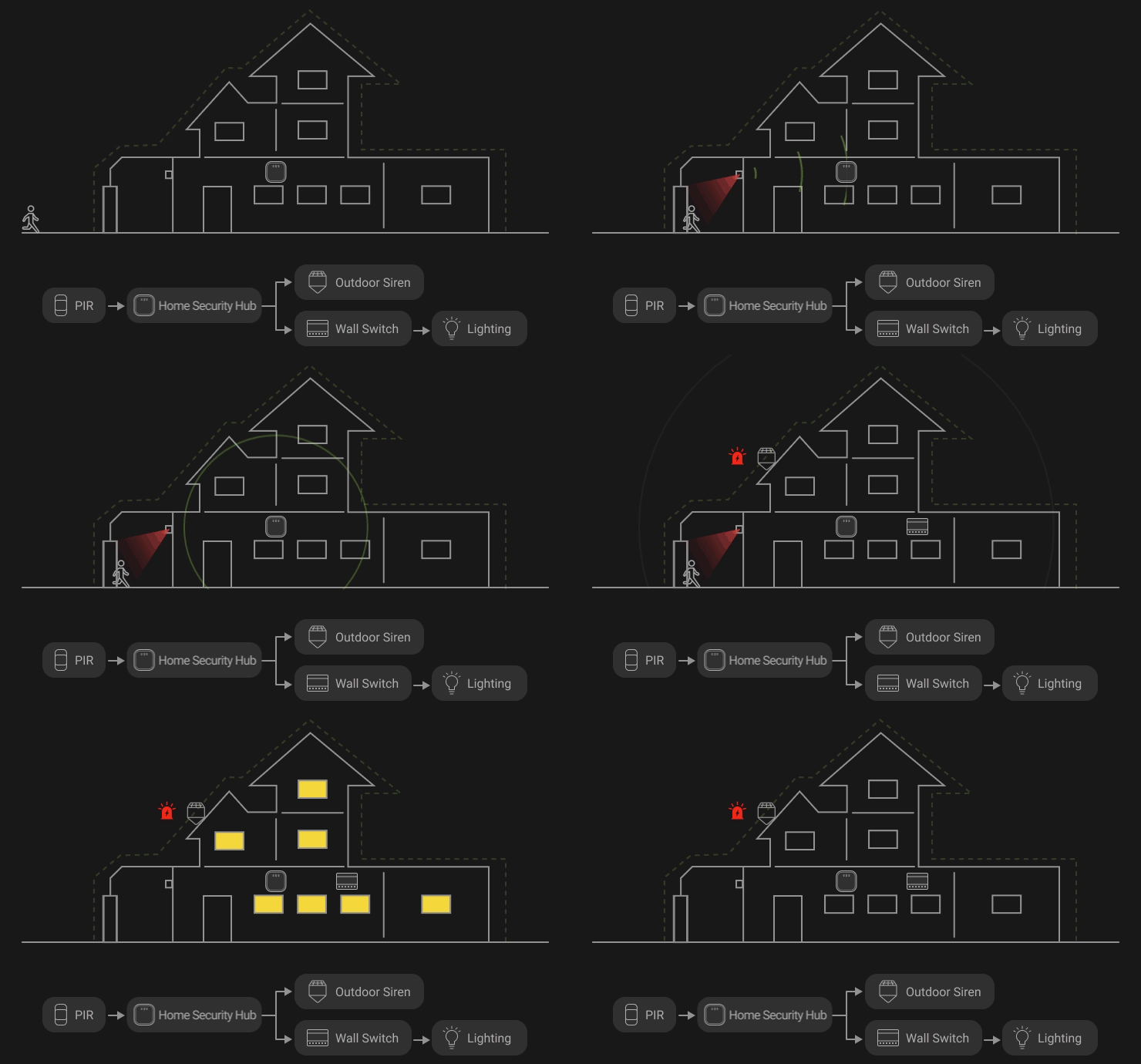
The central smart hub continuously monitors peripheral devices, which regularly report back to the hub through a synced heartbeat mechanism. When a detector is triggered, the information is instantly transmitted to the hub, which then promptly issues an alert to the system owners or an Alarm Receiving Centre (ARC). This process occurs in just milliseconds, ensuring a rapid response.
How Does a Wireless Alarm System Notify Me of Emergencies?
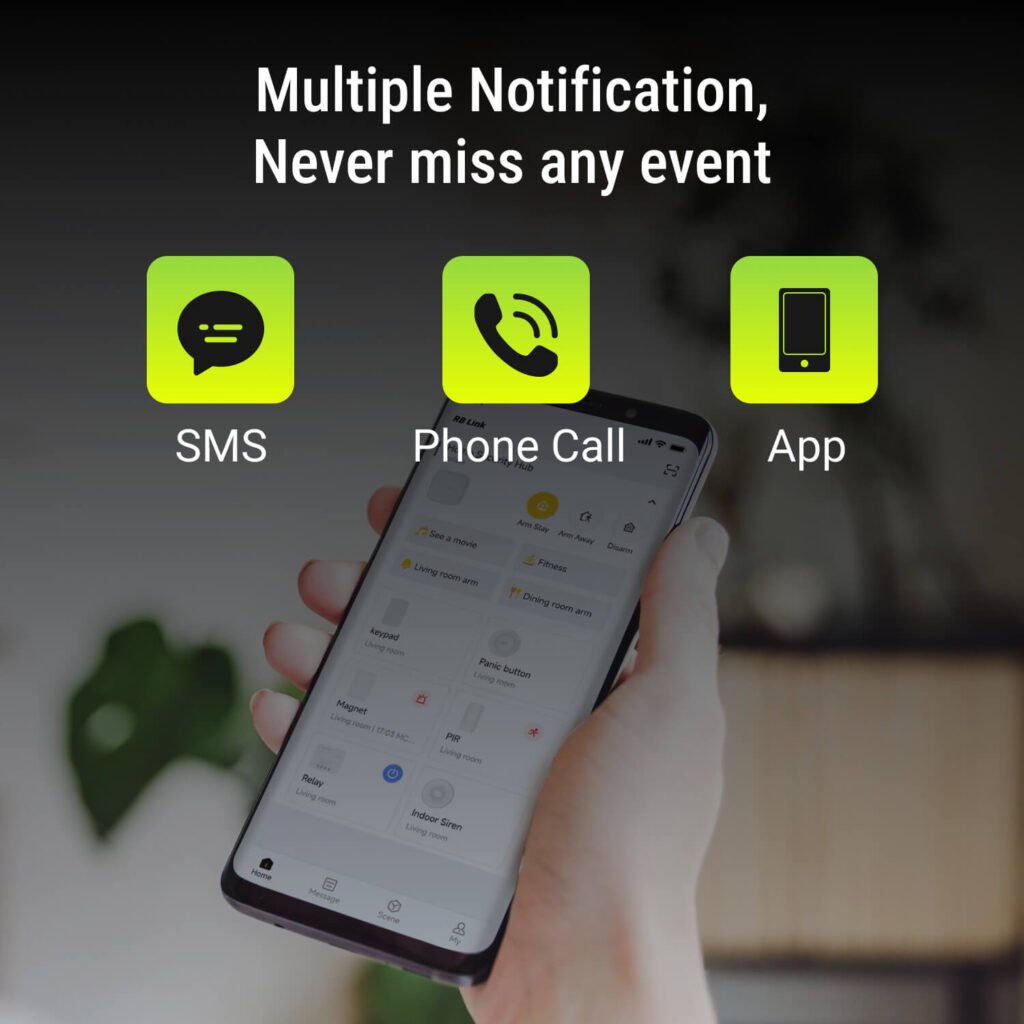
In the event of an emergency, the wireless alarm system will send notifications to the system owners through mobile app messages, SMS, or phone calls. You can choose your preferred notification method within the app to ensure you receive alerts promptly and stay informed.
How Often Do Wireless Alarm System Device Batteries Need to Be Replaced?
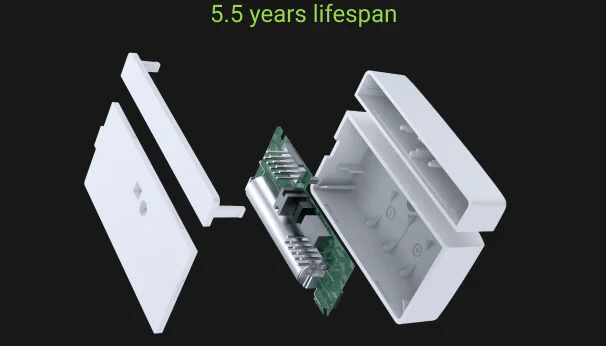
Most wireless alarm systems use low-power Sub-GHz radio protocols, ensuring they can protect your home or office for many years without frequent battery changes. Roombanker’s RBF protocol is especially energy-efficient, consuming less than 2uA in standby mode—significantly lower than Zigbee and LoRa. This allows wireless alarm devices to operate on battery power for up to 5.5 years.
How Do I Know if a Wireless Alarm System Device’s Battery Is Dying?
Roombanker’s app makes it easy to monitor your device’s battery status. Each device has a dedicated page where you can check its battery level at any time. The app also supports low battery alerts, notifying you when a device’s battery drops to 20%, so you can recharge or replace it in time.
How Can I Control the Wireless Alarm System?
Most wireless alarm systems, including Roombanker’s, offer a mobile app that lets you monitor and control the system anytime, anywhere—making it the easiest and most convenient method today. Roombanker’s RB-Link app, available for both iOS and Android, allows you to arm or disarm the system, customize automated scenes, and monitor device status, such as signal strength and battery life. For added flexibility, especially in different scenarios or for multiple users, Roombanker also provides a portable key fob for alarm system and an alphanumeric alarm keypad for quick system operations.
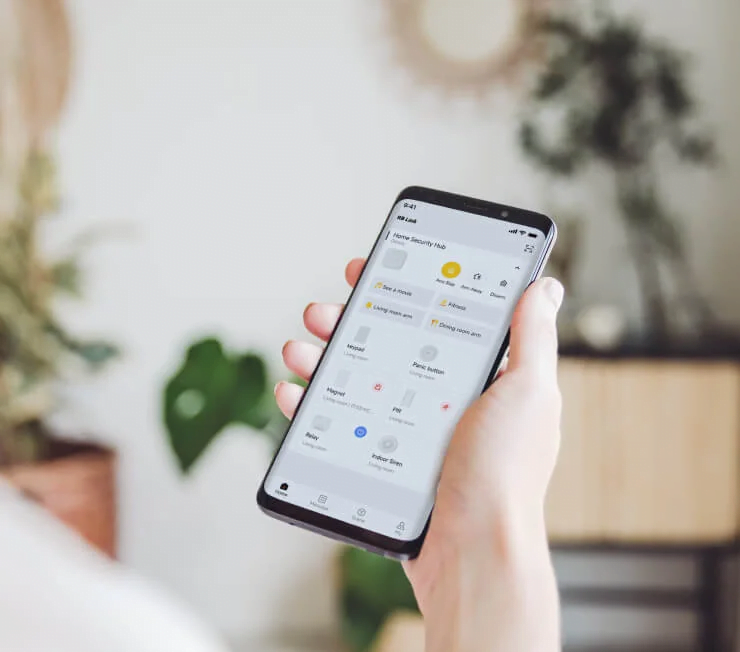
Can I Add, Remove, or Share Wireless Alarm System Management with Other Users?
Absolutely. As the primary administrator (usually the first person to register and configure the system), you can invite others to arm, disarm, or manage the wireless alarm system. Roombanker’s system supports up to 1 super administrator with full access, 4 general administrators, 32 regular users, and 32 local users. Whether it’s family members, friends, neighbors, colleagues, or even a security company, you can easily delegate management roles as needed.
Who Will Respond to an Alarm If I’m Not Home?
In theory, you can grant a neighbor access to your system so they can receive alerts and check on your home in your absence. However, we recommend entrusting this responsibility to a professional security service provider, such as an Alarm Receiving Centre (ARC). Roombanker’s alarm system supports integration with ARCs or central monitoring stations to ensure a professional response when you’re not home.
Does a Wireless Alarm System Support Custom Scenes?
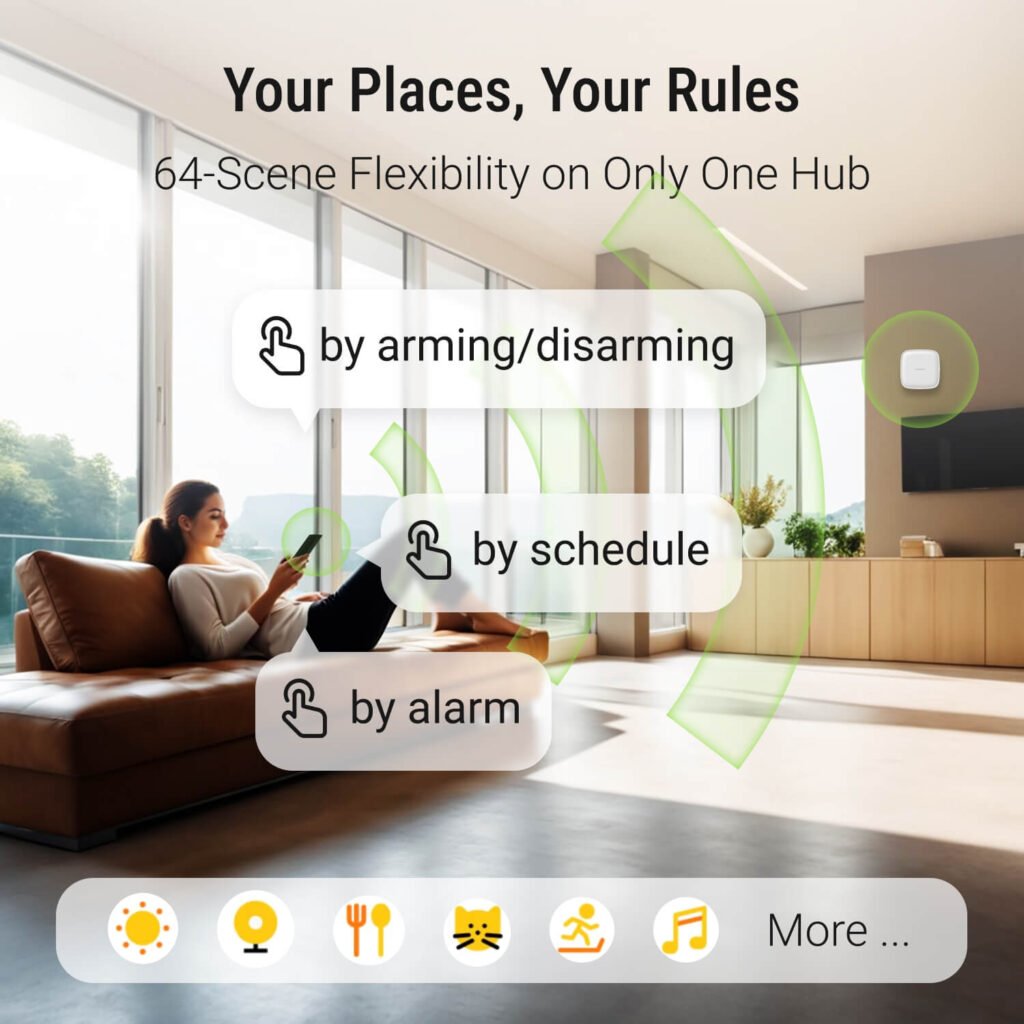
Yes, it does! The Roombanker alarm system allows you to create custom automated scenes using various devices like wall switches, smart relay modules, and smart plugs, which can respond to alarms in real-time. You can customize scenes or change security modes through manual actions, scheduled tasks, or sensor activation. For example, you can set your home lighting to turn on automatically when a PIR motion detector senses unusual human activity.
Will a Cat or Dog Trigger a Wireless Alarm System?
Professional burglar alarm systems often use pet-immune PIR sensors designed to minimize false alarms caused by pets. These sensors are optimized through specialized hardware (like fresnel lenses), digital algorithms, and strategic installation to enhance detection accuracy. Roombanker’s PIR motion detectors are currently pet-immune for animals weighing less than 10 kilograms. This means that if your pet weighs under 10 kilograms, they shouldn’t trigger the infrared detectors, helping to avoid unnecessary false alarms.

Does a Wireless Alarm System Support Video Surveillance?
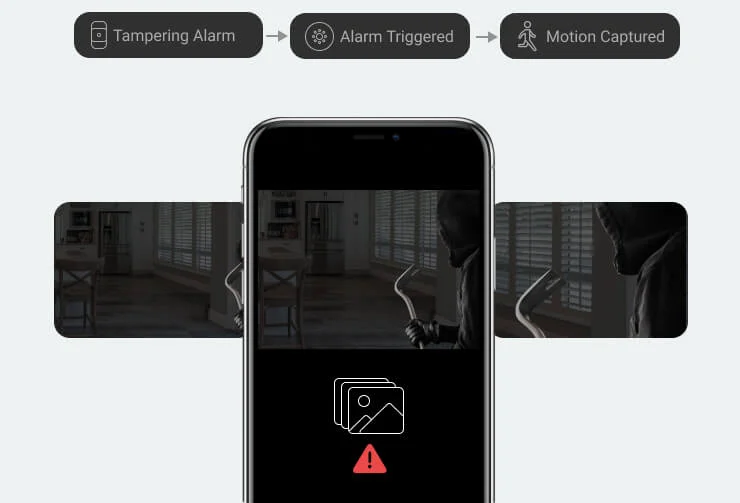
Video surveillance is a crucial element of any wireless alarm system, helping to deter intruders and capture evidence during an intrusion. Roombanker’s system is designed to integrate with cameras from various manufacturers, making it a perfect match if you need to combine CCTV surveillance with a burglar alarm system. Additionally, we are currently developing our own video monitoring equipment, which is expected to be released in the first half of 2025. Stay tuned for updates!
What Happens If the Network of a Wireless Alarm System Is Interrupted?
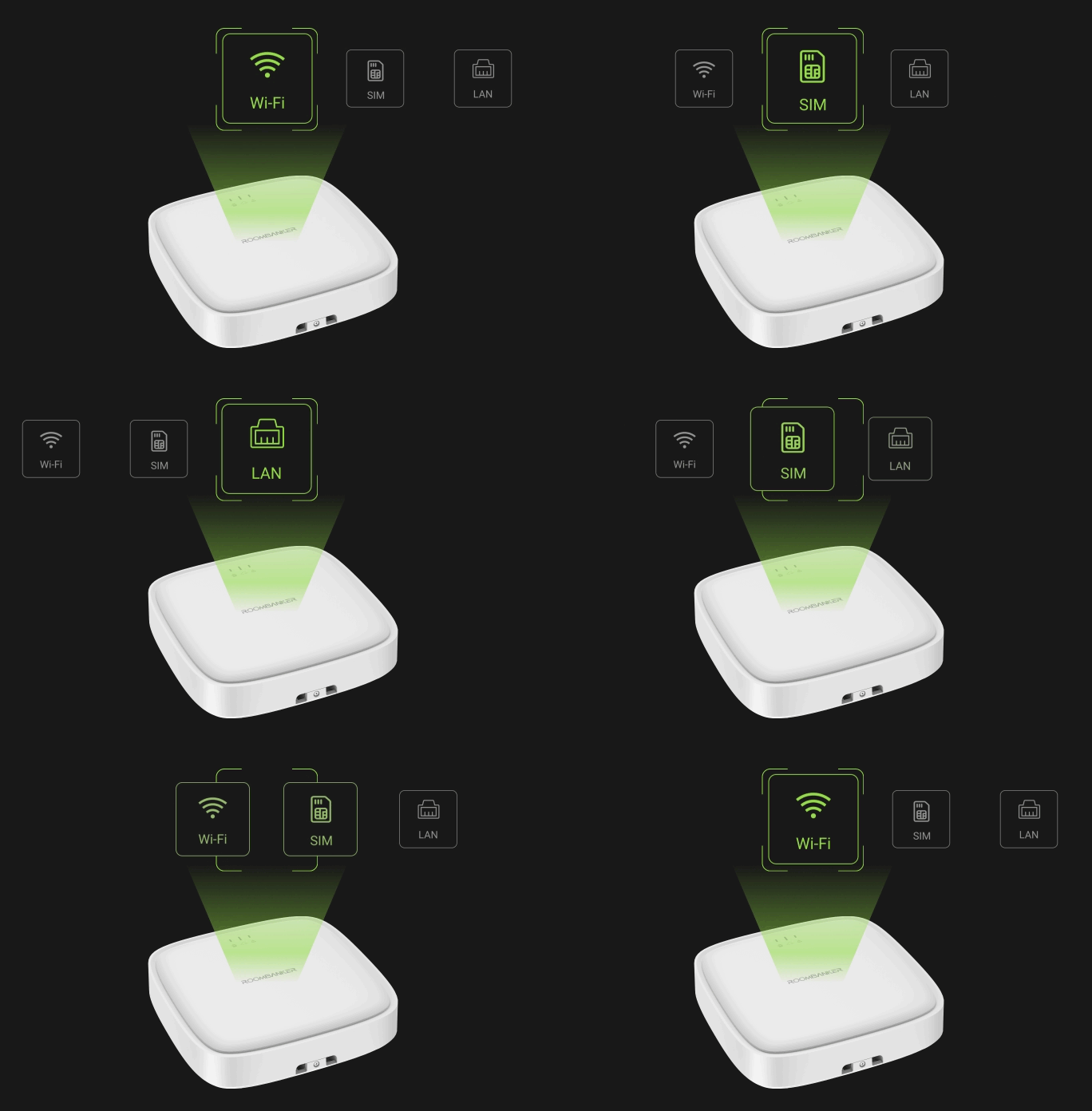
The Roombanker smart home security hub supports both Wi-Fi and Ethernet connections, and includes cellular monitoring as a backup. If one connection is disrupted, the hub automatically switches to the available network. In the rare case that all connections are lost, the hub will continue to execute local controls. If a detector is triggered, the system alarm siren will still sound locally to alert you.
Will I Lose Protection During a Power Outage?
No, you won’t! The Roombanker system remains fully operational even during a power outage. All detectors are battery-operated and unaffected by power loss. The smart home security hub, which is the system’s central brain unit, is equipped with a 2,500mAh backup battery that provides up to 8 hours of power. Once the power is restored, the hub will automatically recharge the backup battery.
Is a Wireless Alarm System Vulnerable to Hacking?
Professional security systems are designed with robust protection to minimize vulnerabilities. Roombanker has developed its own software and proprietary RBF radio communication technology, featuring multi-layered security measures. This closed ecosystem and custom-built solutions significantly reduce the risk of hacking and system failures, ensuring enhanced protection for home security system.
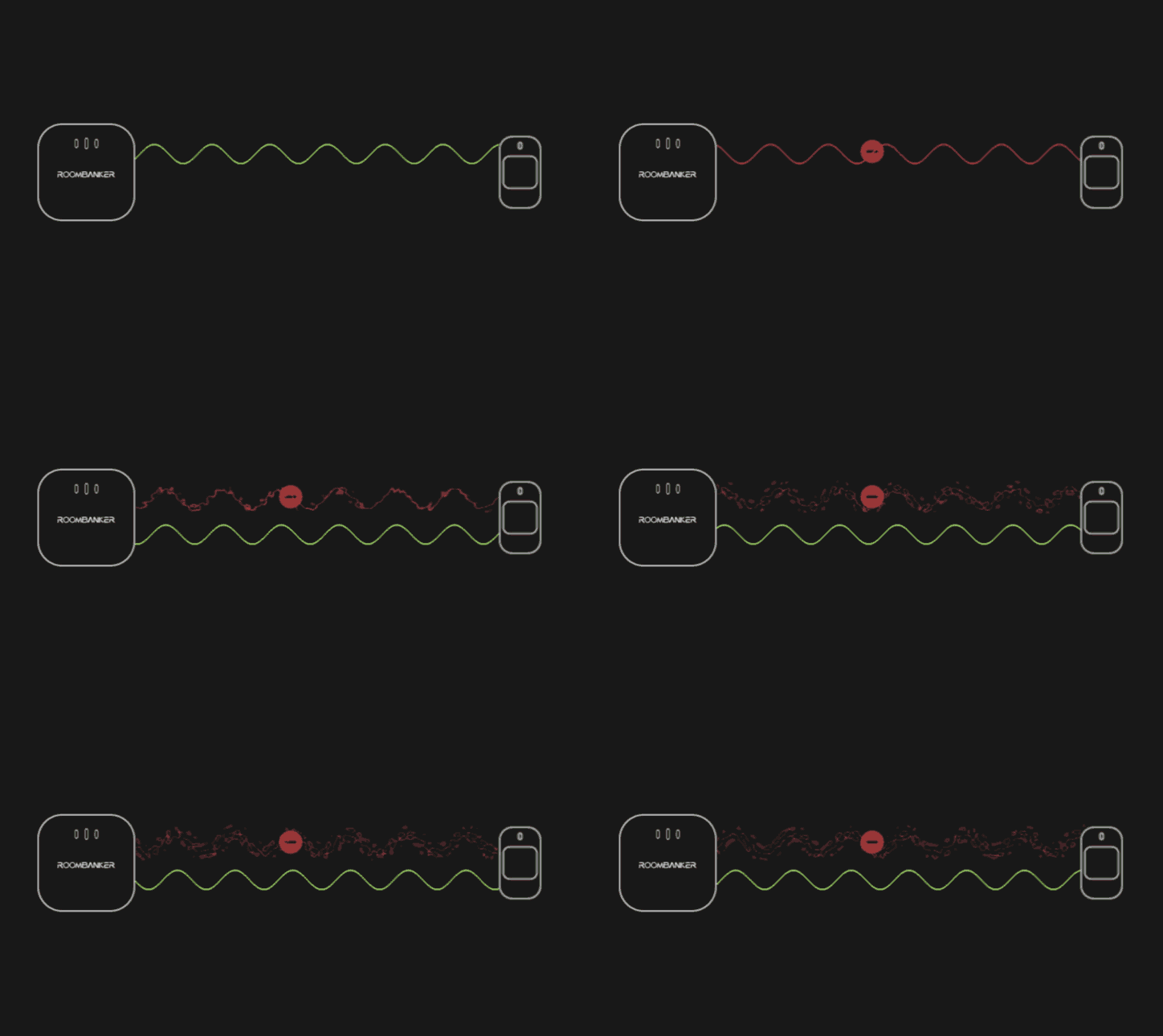
Can a Wireless Alarm System Communication Be Jammed?
Roombanker’s wireless communication technology uses Frequency Hopping Spread Spectrum (FHSS). This method allows the system to switch frequencies automatically if a particular band experiences jamming or interference. With the capability to hop across 50 different frequency bands, the system maintains stable data transmission and minimizes the risk of communication disruption.
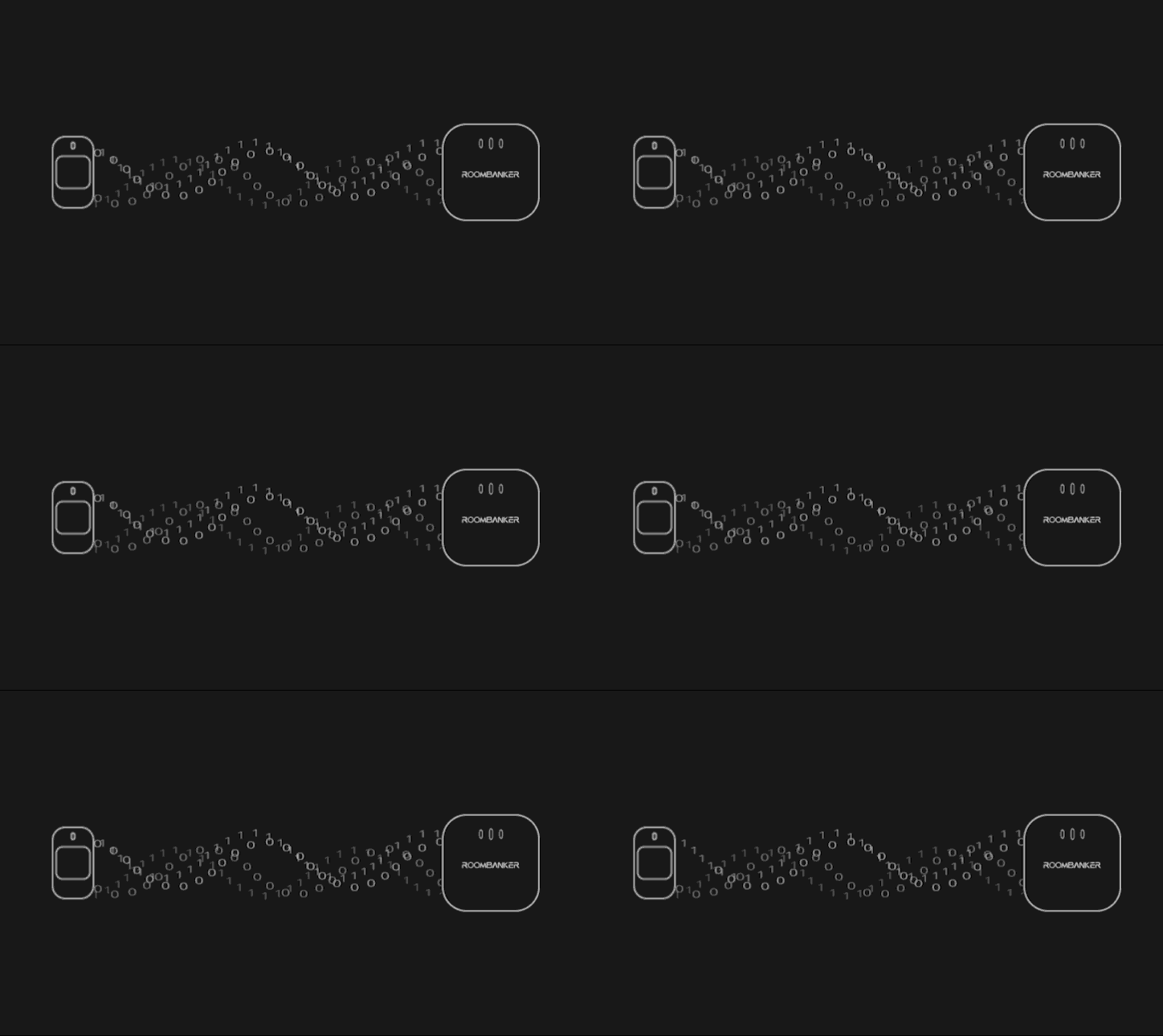
Can the Wireless Alarm System’s Radio Signal Be Intercepted?
No, it cannot. All data transmitted by the devices is encrypted with AES algorithm and dynamic keys. Additionally, each device has a unique identifier, which helps prevent signal interception and spoofing attacks.
What Information Will Be Collected by a Wireless Alarm System?
To enhance functionality and capability, a wireless alarm system collects data relevant to its operation. This data is fragmented, anonymized, and encrypted, and is stored across servers in Europe, North America, and Asia. It is transmitted through secure, encrypted channels and cannot be accessed or used without user consent, ensuring both privacy and security.
What Are the Monthly Operating Costs for a Wireless Alarm System?
If you opt for self-monitoring, a wireless alarm system like Roombanker incurs no monthly operating fees. However, if you choose to connect your home security system to a central monitoring station or an Alarm Receiving Centre (ARC), a monthly fee will apply. The cost varies based on factors such as your location, the size and type of your premises, and the specific services you require.
Final Words – Roombanker is Recruiting Wireless Alarm System Distributors Globally
As we’ve explored throughout these 20 questions, wireless alarm systems, representing modern security technology, offer excellent reliability and versatility. With advancements that surpass traditional systems, they provide enhanced protection for any home.
If you’re passionate about cutting-edge technology and eager to be part of the future of home security, Roombanker is looking for global alarm system distributors to join our network. By partnering with us, you’ll be at the forefront of a rapidly growing market, offering innovative solutions to customers worldwide. Contact us today to learn more about this exciting opportunity and help us expand the reach of Roombanker’s advanced wireless alarm systems.